
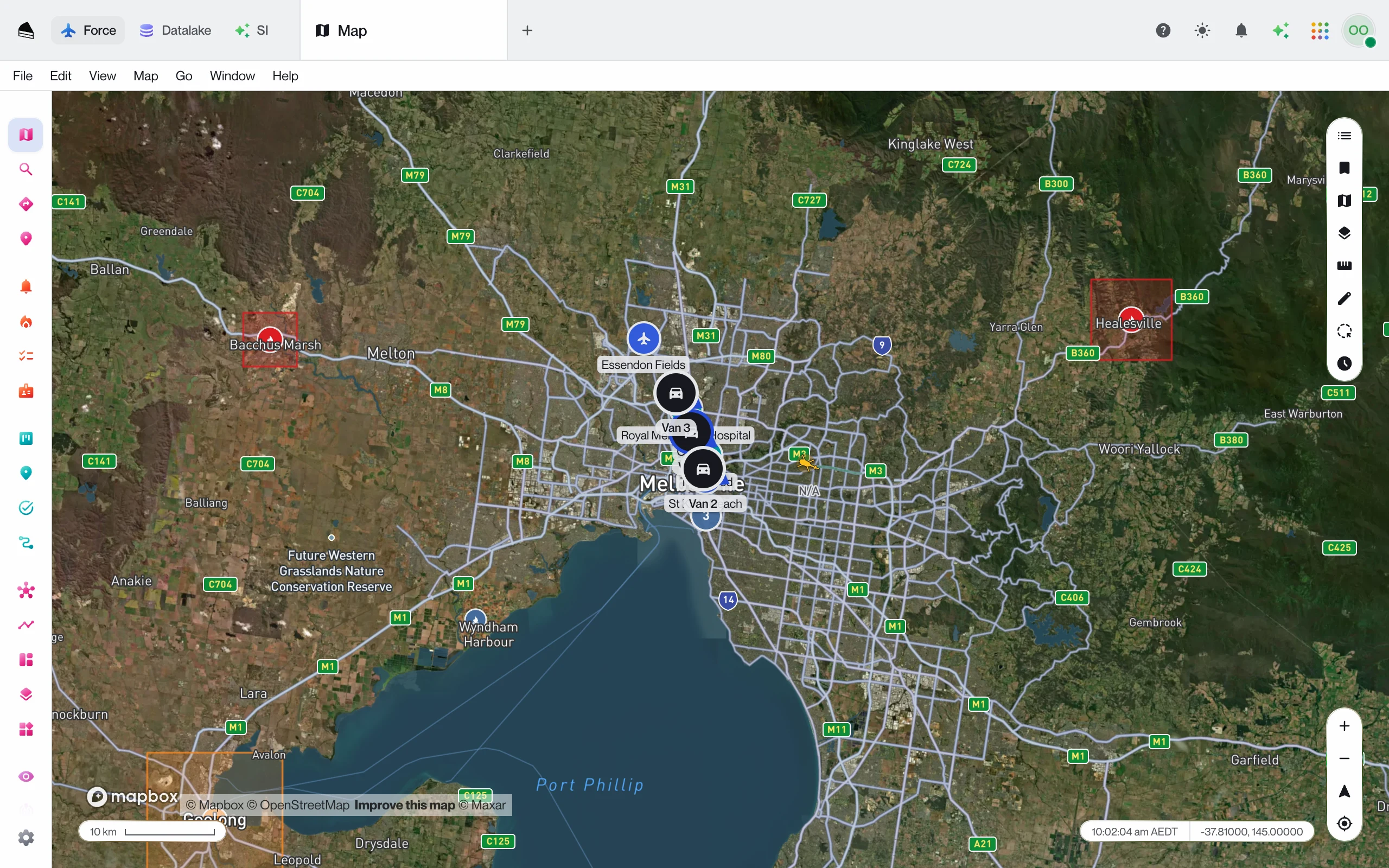
See what’s happening and coordinate the response
See the objects your organisation tracks, follow alerts and coordinate responses on shared maps and dashboards. Force reads the data and permissions your team defines in Datalake.
What you can do in Force
Live operations maps
Bring relevant layers together, save the team’s view and review how it changes over time.
Search and Graph
Find objects across your organisation and explore the links between them.
Alerts and watchlists
Set rules for the events your team watches and route alerts to the people who need to act.
Requests and cases
Assign a response, follow the case and keep the history with the work.
Dashboards
Give teams shared views for their roles, with the data each person has permission to see.
Live embeds
Bring a Force map, graph or dashboard into Documents and Slides.
Bring your team into Force
See the objects your organisation tracks, follow alerts and coordinate responses on shared maps and dashboards. Force reads the data and permissions your team defines in Datalake.